
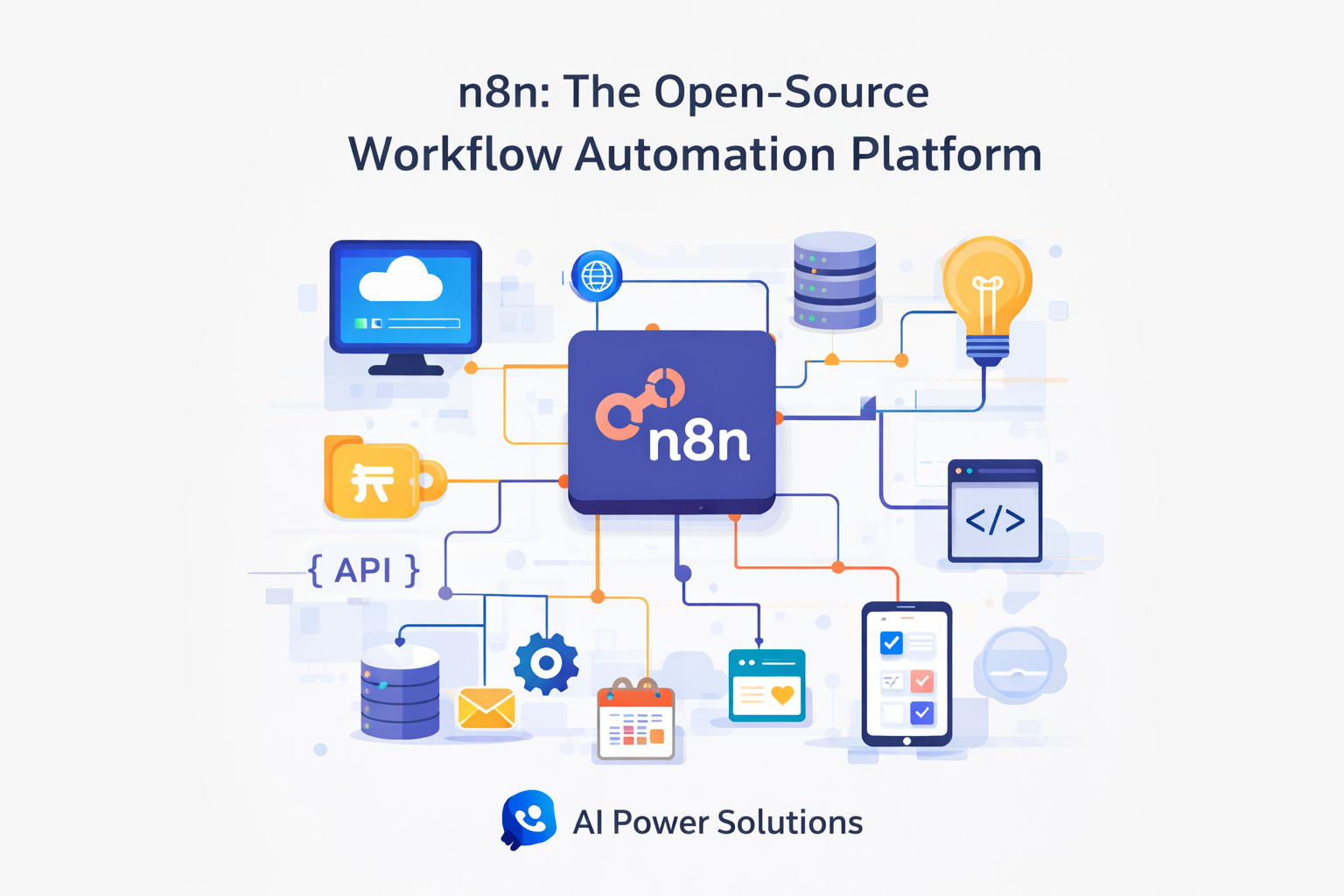
In today’s fast-moving digital environment, efficiency and automation have become essential for individuals and businesses alike. Managing repetitive tasks manually not only consumes time but also increases the risk of errors. This is where automation tools play a crucial role, and n8n has emerged as a powerful solution in this space.
n8n is an open-source workflow automation platform that allows users to connect different applications, automate processes, and build complex workflows with ease. What makes n8n workflow automation platform especially appealing is that it offers advanced automation capabilities without requiring a large financial investment.
In this guide, we will explore how to use n8n effectively on a budget. We’ll walk through its key features, explain different usage options, and share practical tips to help you get the most value from the platform. Whether you are a freelancer, startup owner, or part of a growing business, this guide will help you understand how n8n can simplify your work while keeping costs under control.
Key features and Benefits of Open-source workflow automation
open source automation platform provides a range of features designed to make automation accessible and flexible.
One of the most notable features is its visual workflow builder. Instead of writing code, users can create workflows by connecting nodes that represent triggers, actions, or integrations. This visual approach makes it easier to understand and manage even complex automation processes.
Another important benefit of n8n is its self-hosting capability. Users can run n8n on their own server, which allows for greater control over data, improved privacy, and reduced long-term costs. This makes n8n particularly attractive for businesses that want full ownership of their automation infrastructure.
In addition, n8n supports a wide range of integrations with popular tools such as CRMs, databases, email services, and messaging platforms. This flexibility allows users to automate workflows across multiple systems from a single interface.
Different Ways to Use workflow automation tools

n8n can be used in several ways, depending on technical expertise and budget considerations.
The self-hosted version is ideal for users who want to minimize ongoing costs. Once set up, it allows unlimited workflows and executions without per-task pricing, making it a cost-effective choice for long-term use.
The cloud-hosted version of n8n offers a more convenient option for those who prefer not to manage servers. It includes hosting, updates, and maintenance, making it suitable for teams that want a simpler setup.
n8n can also be used for custom automation projects, such as connecting internal tools, handling webhooks, or managing backend processes for applications and websites.
How to Choose the Right n8n Setup for Your Budget
Choosing the right n8n setup starts with understanding your automation needs. Consider the number of workflows you plan to run and how critical automation is to your daily operations.
Next, evaluate your technical comfort level. Self-hosting provides greater flexibility and cost savings but requires basic server management. Cloud hosting, while more expensive, removes technical overhead.
It’s also helpful to start with simple workflows and gradually expand. This approach allows you to learn the platform without overcomplicating your setup or increasing costs too quickly.
Tips for Maximizing the Benefits of n8n on a Budget

To get the most value from n8n automation tool, focus on automating tasks that consume the most time. Simple workflows, such as syncing data between tools or sending automated notifications, can deliver immediate efficiency gains.
Reusing and refining existing workflows can also help reduce effort and complexity. Instead of creating new workflows from scratch, small adjustments can often adapt an existing automation to a new use case.
Additionally, the n8n community and documentation offer valuable examples and guidance. Leveraging these resources can save time and help you build reliable workflows more efficiently.
Using n8n for Business Automation and Growth

n8n can support a wide range of business automation needs. Common use cases include lead management, CRM updates, automated reporting, and customer notifications.
For marketing teams, automation platform can connect forms, email tools, and analytics platforms to create streamlined workflows that reduce manual data handling.
For developers and startups, this automation platform acts as a flexible automation layer that handles API calls, scheduled tasks, and backend logic efficiently.
n8n vs Other Automation Tools: Is It Worth the Investment?
Compared to many automation platforms that rely on per-task pricing models, this open – source platform offers greater cost control—especially when self-hosted.
While cloud-based tools may be easier to start with, their costs can increase significantly as usage grows. n8n’s pricing structure makes it a practical option for users who expect to scale their automation over time.
For those who value flexibility, transparency, and long-term savings, the automation system presents a strong alternative.
Conclusion: Unlocking the Full Potential of n8n Without Breaking the Bank
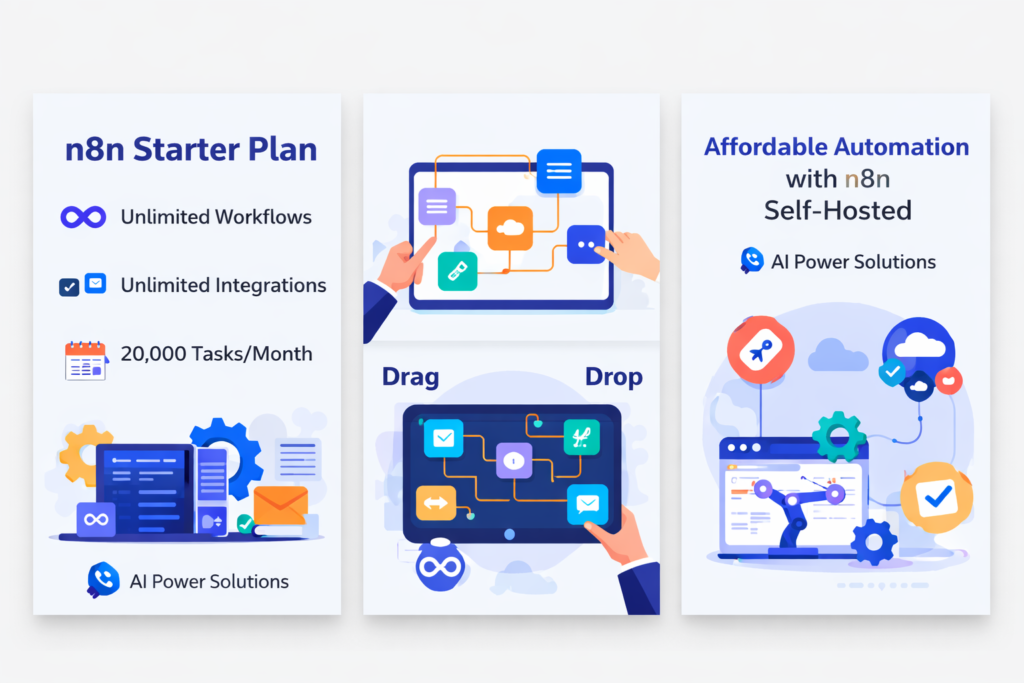
this automation platform demonstrates that advanced automation does not need to be expensive. With its visual workflow builder, flexible hosting options, and extensive integrations, it enables users to automate effectively while staying within budget.
By choosing the right setup, starting small, and refining workflows over time, individuals and businesses can unlock the full potential of workflow automation with this automation tool without unnecessary spending.
Automation is ultimately about working more efficiently—and N8N provides the tools to do exactly that.
Buy now:- https://aipowersolutions.in/product/n8n-starter-plan-1-year/