Introduction to Modern Customer Support Challenges
Modern businesses face unprecedented pressure to deliver fast, reliable customer support. Customer expectations have shifted dramatically—today’s consumers demand responses within minutes, not hours or days. Email tickets create frustrating delays, averaging 12–24 hours for first responses. Phone support suffers from long hold times and rigid schedules that don’t match customer availability. Live chat widgets help, but conversations fragment across platforms, leaving teams with incomplete customer context.
Enter WhatsApp Business API. This powerful platform enables companies to build scalable customer support systems that blend automation efficiency with human empathy. Businesses can handle thousands of conversations simultaneously while ensuring complex issues reach the right agents with complete context. The result: faster resolutions, happier customers, and support teams that focus on high-value interactions rather than repetitive FAQs.
What the WhatsApp Business API Is and How It Differs from the WhatsApp Business App
The WhatsApp Business App serves small businesses well. It offers business profiles, quick replies, labels, and automated greetings—all accessible from a single smartphone. However, it has fundamental limitations for growing companies:
- Single device restriction: Only one phone can access conversations at a time
- No native integrations: Conversations don’t sync with CRM or helpdesk systems
- Manual scaling: Adding team members requires workarounds
- Limited analytics: Basic metrics only, no conversation insights
WhatsApp Business API completely changes this equation. It’s a server-to-server platform designed for enterprise communication. Multiple agents access conversations through web dashboards. Backend systems receive messages via webhooks and send responses through authenticated API calls. Automation platforms, CRMs, and helpdesk tools integrate natively.
The API supports:
- Shared team inboxes with real-time conversation assignment
- Rich automation workflows and chatbot logic
- Message templates for proactive notifications
- Scalable infrastructure handling 1,000–100,000 daily conversations
This transforms WhatsApp from a personal messaging app into enterprise-grade customer support infrastructure.
Why Customers Prefer WhatsApp for Support Communication
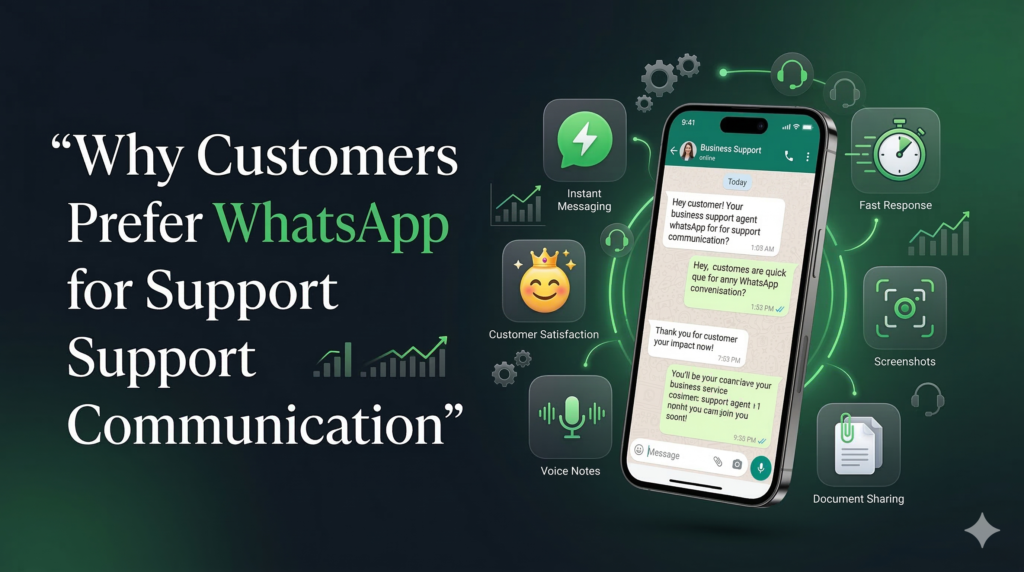
Customers gravitate toward WhatsApp for several compelling reasons.
Immediacy meets familiarity. Users already check WhatsApp constantly, far more than email. When they need help, they want instant access through their most active communication channel. Brands that respond quickly build trust immediately.
Conversational continuity sets WhatsApp apart. Unlike web chat widgets that end when users leave pages, WhatsApp conversations persist. Customers can pick up exactly where they left off, even days later. Support history remains accessible without digging through ticket systems.
Rich context sharing accelerates resolutions. Screenshots, videos, voice notes, and documents clarify issues instantly. Technical support becomes dramatically easier when customers can visually demonstrate problems rather than typing descriptions.
Mobile-first reality also matters. Around 80% of customer support interactions now happen on smartphones. WhatsApp’s mobile-optimized interface eliminates clunky desktop experiences.
Trust through encryption reassures customers sharing sensitive information like order numbers, account details, or payment issues. WhatsApp’s privacy reputation exceeds most business communication platforms. These factors create a virtuous cycle: customers prefer WhatsApp, businesses respond faster, satisfaction increases, and loyalty grows.
Core Components of a WhatsApp Customer Support Automation System
Every incoming WhatsApp message triggers a webhook delivered to backend systems. This real-time event stream powers all automation logic, routing decisions, and data synchronization.
Conversation classification engines use natural language processing or keyword matching to identify issue types such as:
- Order or shipping inquiries
- Technical support requests
- Billing questions
- Product information requests
Response orchestration layers then make decisions such as:
- Automated response vs agent routing
- Template selection for proactive messages
- Escalation triggers
- Priority levels
Integration fabric connects conversations with helpdesk platforms like Zendesk, Freshdesk, and Intercom, along with CRM systems such as HubSpot, Salesforce, and Zoho CRM.
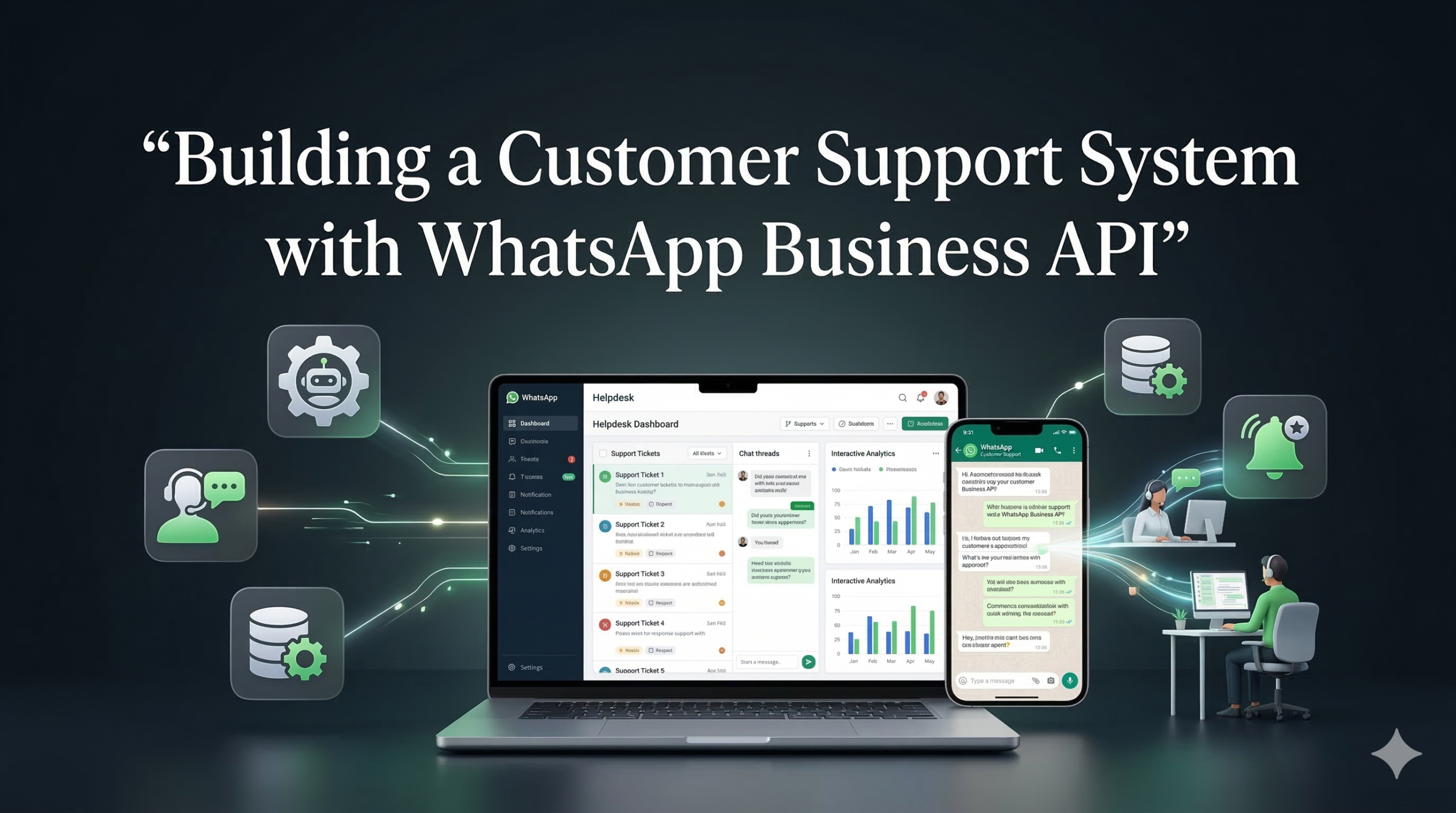
Multi-agent dashboards enable:
- Real-time conversation assignment
- Complete message history access
- Agent performance analytics
- Supervisor override capabilities
Together, these components create intelligent support systems that scale efficiently while maintaining personal service quality.
Ticket Creation and Routing Workflows
Automatic ticket generation occurs when conversations exceed chatbot capabilities or match high-priority keywords.
The system creates helpdesk tickets containing:
- Complete conversation transcripts
- Customer profile data and history
- Issue classification and priority scores
- Technical details like order numbers and screenshots
Intelligent routing considers multiple factors:
- VIP customers go to dedicated queues
- Technical issues route to engineering support
- Spanish inquiries reach Spanish-speaking agents
- Regional issues route to regional specialists
Dynamic reassignment occurs when initial routing proves incorrect. Supervisors monitor conversation sentiment and complexity, moving conversations between queues as needed.
Status synchronization keeps customers informed:
- Agent replies appear instantly in WhatsApp
- Ticket updates trigger automated notifications
- Customers receive updates such as escalation notices or engineer assignments
This transparency reduces follow-up inquiries and builds customer confidence.
Automated Responses and Chatbot Assistance
Tiered automation handles different complexity levels effectively.
Level 1 – Simple FAQs resolve 60–70% of inquiries instantly:
- Return policies
- Order tracking
- Password resets
Level 2 – Guided troubleshooting manages 20–25% of issues through:
- Step-by-step setup guides
- Diagnostic flows
- Self-service solutions
And Level 3 – Data collection gathers essential details like:
- Order numbers
- Account details
- Screenshots
When necessary, the system performs seamless human handoff:
“Connecting you to Rachel (2 min wait).”
Agents receive the complete context, eliminating repetitive discovery questions.
Automation provides consistency, availability, and scale, while human agents provide empathy and complex problem-solving.
Integration with CRM and Helpdesk Platforms
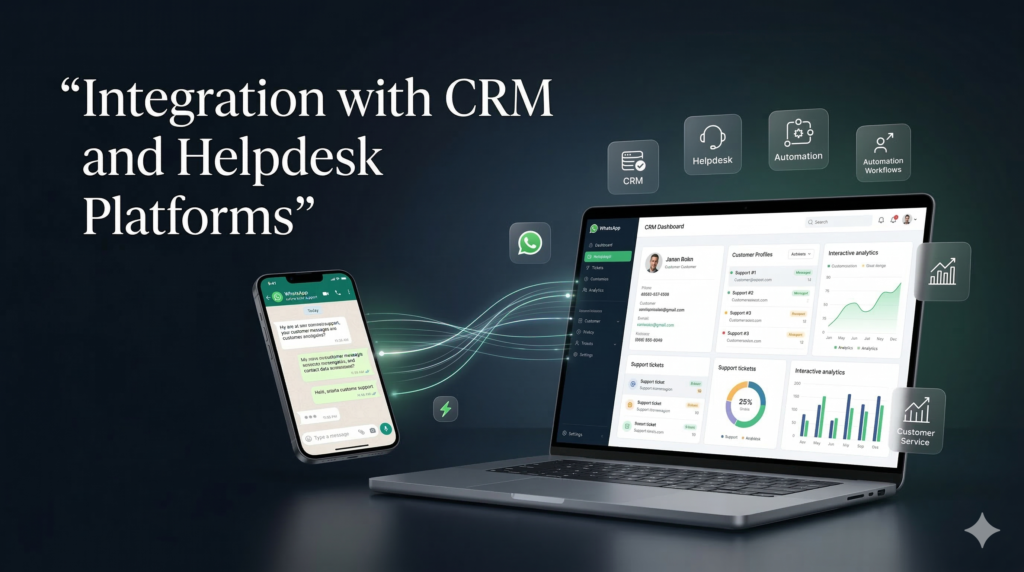
HubSpot integration creates conversation timelines within contact records, showing WhatsApp alongside email and call logs.
Salesforce Service Cloud logs WhatsApp as a native support channel, linking conversations directly to cases.
Zoho Desk treats WhatsApp as a full support channel with:
- Multichannel agent inboxes
- Automated ticket categorization
- SLA tracking
Zendesk integration creates bidirectional synchronization where WhatsApp messages generate tickets and agent responses sync back instantly.
These integrations eliminate data silos and provide a complete view of customer interactions.
Managing Multi-Agent Support Teams Through Shared Inboxes
Role-based access ensures proper visibility:
- Agents see only their conversations
- Supervisors monitor team activity
- Managers access reports and analytics
- Admins configure systems and compliance
Real-time conversation assignment prevents duplication through:
- Round-robin distribution
- Skills-based routing
- VIP priority queues
- Overflow handling
Collaboration tools include:
- Internal notes
- Supervisor intervention
- Conversation transfers with full context
Performance dashboards track:
- First response time (target under 2 minutes)
- Resolution time (target under 4 hours)
- CSAT scores
- Ticket deflection rates
These capabilities transform support teams into efficient, data-driven operations.
Using Templates for Notifications and Follow-Ups
Templates enable proactive messaging outside the 24-hour service window.
Utility templates
- Shipping notifications
- Appointment reminders
- Password resets
Authentication templates
- Verification codes
- Security alerts
Marketing templates (opt-in required)
- Product recommendations
- Promotions
- Feature updates
Template lifecycle management includes:
- Creation and localization
- Meta approval (24–72 hours)
- Performance testing
- Continuous optimization
Compliance Rules and the 24-Hour Customer Service Window
WhatsApp enforces strict messaging rules.
Key principles:
- Customers initiate conversations
- Businesses have a 24-hour reply window
- Templates are required after the window closes
- Users must explicitly opt-in for promotional messages
Quality ratings influence message deliverability:
- Green: healthy engagement
- Yellow: warning state
- Red: restricted delivery
Compliance-first design ensures long-term messaging reliability.
Analytics and Performance Tracking for Support Conversations
Real-time dashboards monitor:
- Live conversations by agent
- Average handle time trends
- Peak support hours
- Automation deflection rates
Customer satisfaction metrics include:
- CSAT surveys
- Net Promoter Score
- Qualitative feedback analysis
Agent metrics include:
- Conversations per hour
- First contact resolution rate
- Escalation frequency
Business impact reporting measures:
- Support cost per conversation
- Customer retention impact
- Revenue influenced by support quality
Real-World Example: Global SaaS Company Transformation
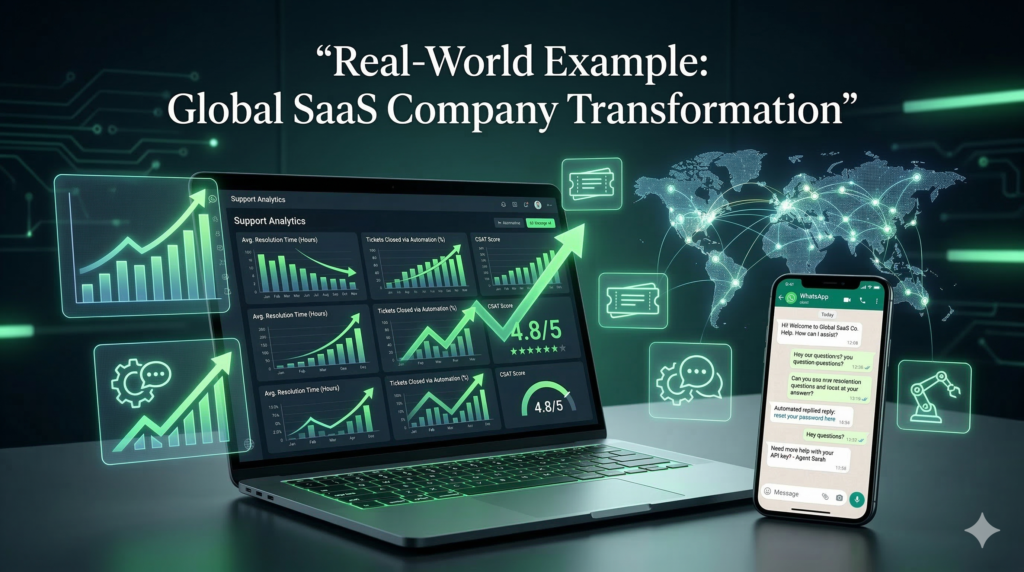
A SaaS company managed 8,500 monthly support tickets across email, chat, and phone.
Before WhatsApp automation
- First response time: 17 hours
- CSAT score: 3.4 / 5
- High churn due to slow support
Implementation
- Phase 1: Meta verification and template approval
- Phase 2: Zendesk and HubSpot integration with chatbot flows
- Phase 3: Agent training and system rollout
Results after 90 days
- First response time: 43 seconds
- Resolution time: 6.2 hours
- Automation deflection: 71%
- CSAT score: 4.7 / 5
Support volume increased significantly while headcount remained constant.
FAQ
What is WhatsApp Business API used for in customer support?
The WhatsApp Business API allows companies to automate customer conversations, integrate messaging with CRM systems, and manage large volumes of support inquiries efficiently.
How is WhatsApp Business API different from the WhatsApp Business App?
The Business App is designed for small teams and single-device use, while the Business API supports automation, CRM integration, and multi-agent support environments.
Can WhatsApp automation replace human support agents?
No. Automation handles repetitive tasks such as FAQs and data collection, while human agents resolve complex or sensitive customer issues.
What is the 24-hour WhatsApp messaging rule?
Businesses can freely reply to a customer for 24 hours after the customer sends a message. After this period, businesses must use approved message templates.
Which CRM platforms integrate with WhatsApp Business API?
Common integrations include HubSpot, Salesforce, Zoho CRM, Zendesk, and other helpdesk platforms.
Is WhatsApp secure for customer support?
Yes. WhatsApp uses end-to-end encryption, making it a secure platform for sharing sensitive customer information such as order numbers or account details.