
Introduction
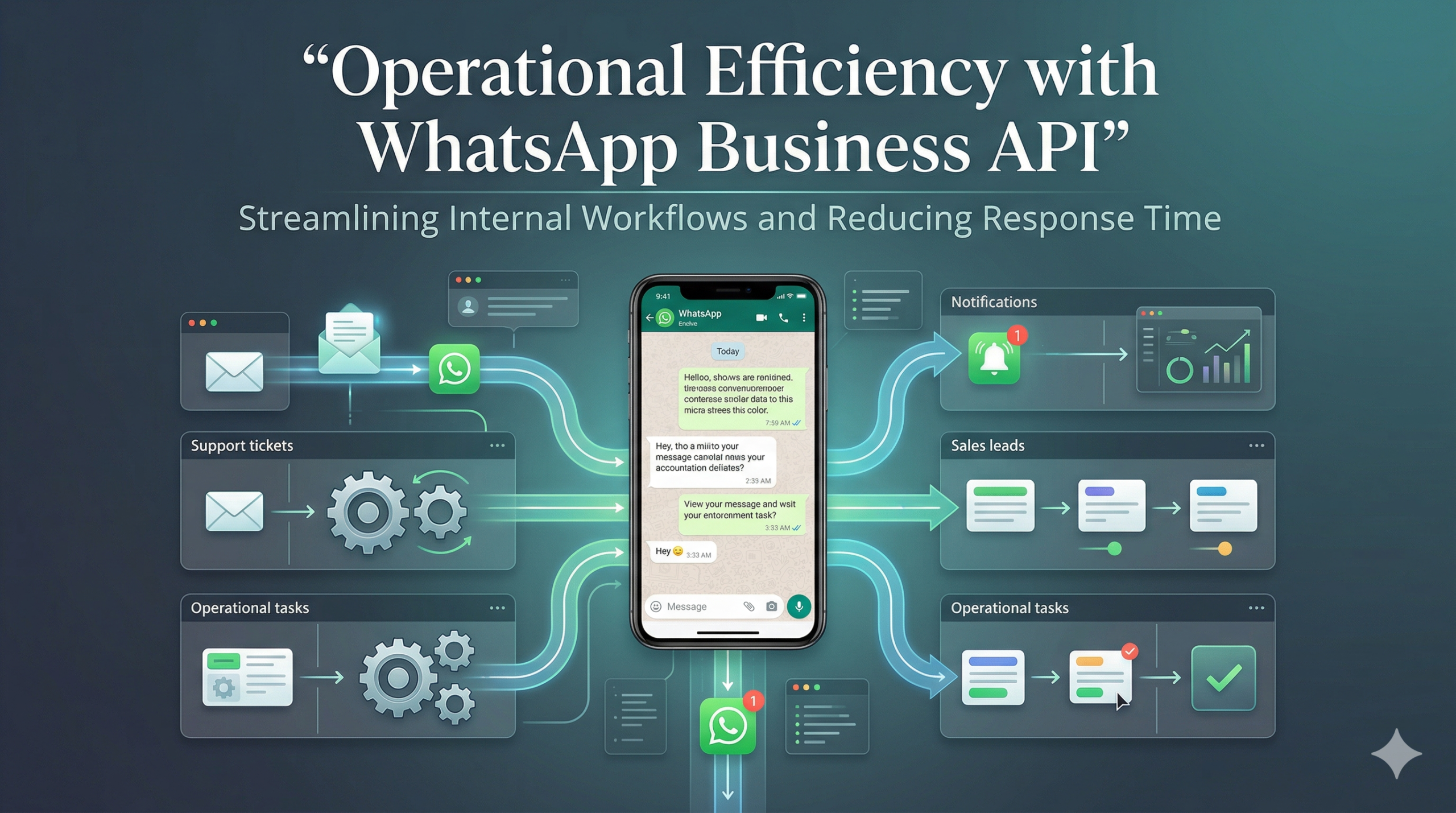
Modern businesses increasingly feel the strain of scattered tools, manual processes, and delayed responses. Sales teams live in email, support teams in a helpdesk, marketing in campaign tools, and operations in spreadsheets or internal dashboards. When customers reach out across multiple channels, information gets fragmented, context gets lost, and teams duplicate effort. Manual triage, copy-pasting data between systems, and ad-hoc follow-ups slow everything down. The result is a poor customer experience, inconsistent service levels, and higher operational costs. WhatsApp Business API offers a way to bring structure and speed to this chaos by turning everyday conversations into a streamlined operational layer.
By integrating WhatsApp into core systems and workflows, businesses can coordinate teams, automate repetitive steps, and respond in real time. Instead of treating WhatsApp as “just another channel,” organizations can use it as a central, event-driven interface that connects customer intent with internal actions. Done well, this approach reduces response time, improves team coordination, and creates a more predictable, measurable operation.
WhatsApp as a Real-Time Operational Layer
WhatsApp Business API can act as a real-time operational layer that sits between customers and internal systems. Customers see a familiar, conversational interface. Inside the business, each message can drive structured processes. This shifts WhatsApp from an informal chat tool to a controlled environment where every interaction has a defined path and potential outcome.
When a customer sends a message, the system can immediately interpret context, enrich it with existing data, and decide what should happen next. That decision might involve assigning an agent, triggering a workflow, or updating a system of record. Because WhatsApp interactions arrive instantly and are easy for customers to initiate, they become a powerful source of operational signals. Businesses can use those signals to move work forward, rather than waiting for periodic checks or manual handovers.
For many organizations, this real-time layer also reduces internal friction. Instead of switching between multiple interfaces, frontline teams can focus on the WhatsApp workspace while automation and integrations push and pull data in the background. This reduces context switching, lowers training needs, and makes operations feel more coherent.
From Message to Action: Triggering Backend Processes
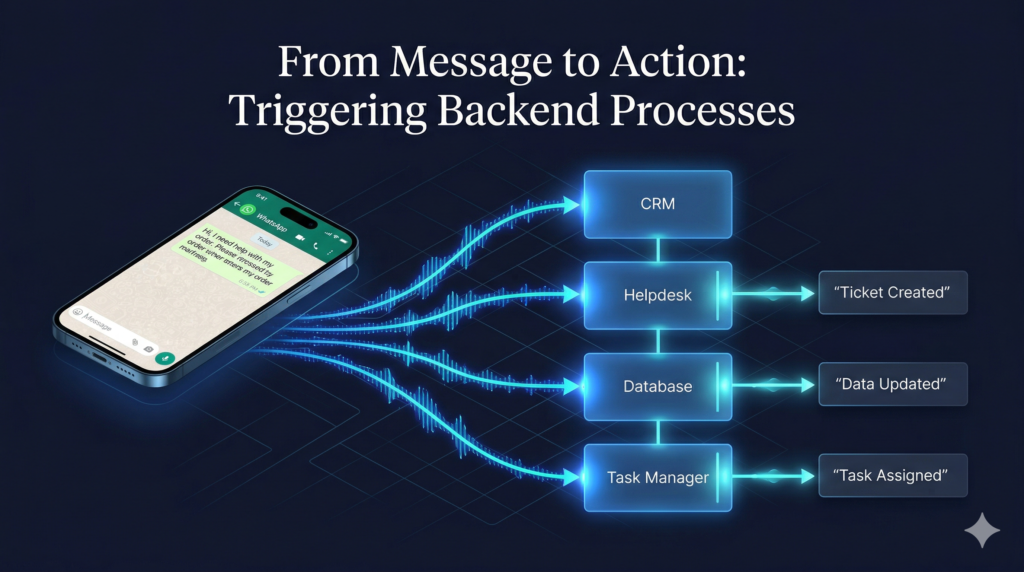
Incoming WhatsApp messages can do far more than open a conversation. With the right setup, each message can trigger backend actions that align with business rules and workflows. A simple customer query can create a support ticket, generate a task, notify a responsible team, and log activity against a customer record without manual intervention.
For example, when a customer reports an issue, the system can automatically create a case in the helpdesk, assign a priority based on keywords or customer tier, and notify the appropriate queue or on-call team. When a lead requests a quote, the message can create an opportunity in the CRM and notify the relevant sales rep. When a user confirms an order detail, the system can update the order status and alert operations to the next step.
Status updates can flow in the other direction as well. Backend systems can post progress updates into the WhatsApp conversation: ticket opened, technician assigned, delivery dispatched, issue resolved. In this way, WhatsApp becomes both a trigger and a display layer for operational events.
Automation to Reduce Manual Work
Automation is central to improving operational efficiency with WhatsApp Business API. Manual handling of every query, data field, and follow-up does not scale. Automation can handle repetitive, rule-based tasks so that human teams can focus on higher-value work.
Data collection is a prime candidate. Instead of agents asking the same questions repeatedly, automated flows can gather essential information upfront: order ID, contact details, preferred time, or issue type. Routing rules can then use this data to send the conversation to the right team or priority level. Tagging can happen automatically based on keywords, categories selected by the user, or previous interaction history.
Automation can also drive consistent follow-ups. If a conversation remains open without customer response, the system can send a gentle reminder. After resolution, it can request feedback or share helpful resources. By standardizing these steps, businesses reduce human error and maintain consistent service quality.
Cross-Team Collaboration Through Shared Inboxes
Operational efficiency depends not only on tools but also on collaboration. WhatsApp Business API supports shared inbox models where different teams—sales, support, operations—work on conversations from a unified environment.
Shared inboxes allow clear roles while enabling seamless handovers. Internal notes help teams coordinate without exposing internal communication to customers. Conversation history ensures that agents always have context, reducing repetition and improving customer experience.
Integrations for Seamless Cross-Department Workflow
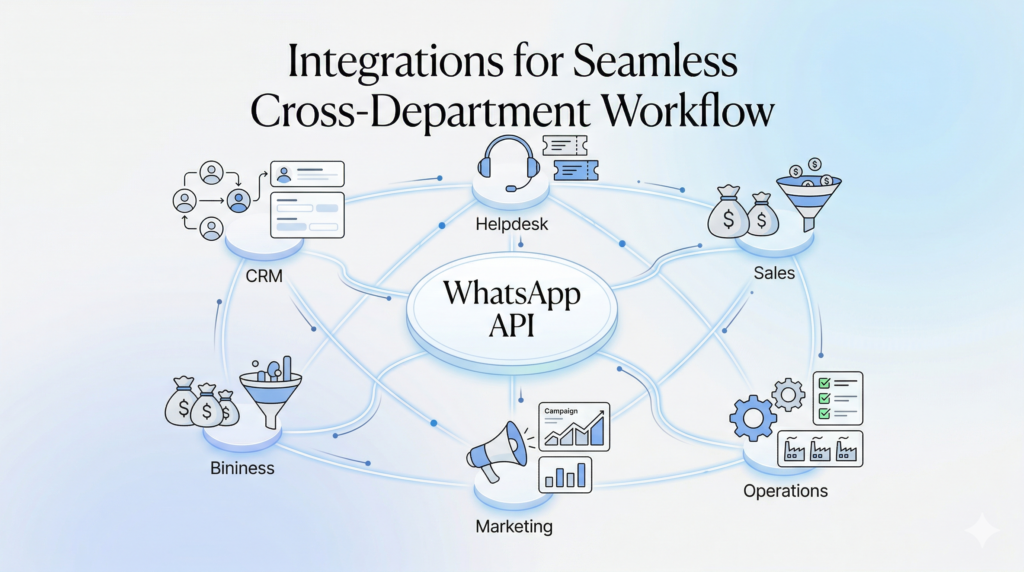
To streamline workflows, WhatsApp must integrate with CRM, helpdesk, and internal systems. These integrations allow data to flow automatically between systems, eliminating manual work.
CRM integration ensures that customer interactions update lead records and pipeline stages. Helpdesk integration keeps tickets aligned with conversations. Operations tools use WhatsApp messages to trigger tasks and send updates.
This eliminates duplicate work and ensures consistency across systems, improving both efficiency and accuracy.
A Real-World Style Example in Practice
Imagine a mid-sized e-commerce company that previously managed communication through email, phone, and chat tools. Response times were inconsistent, and teams lacked coordination.
After implementing WhatsApp Business API, conversations became structured. Automation handled initial queries, collected data, and routed conversations. Teams worked from a shared inbox with full context.
The result was faster response times, improved efficiency, and a better customer experience. Managers gained visibility, and operations became more predictable.
Monitoring Performance and Process Efficiency
Once WhatsApp becomes part of operations, performance tracking is essential. Businesses must monitor response time, workload distribution, and efficiency.
Metrics such as first response time, resolution time, and conversation volume help identify bottlenecks. Workload data helps optimize team allocation. Process metrics reveal areas for improvement.
Over time, these insights enable continuous optimization and scalability.
Conclusion: WhatsApp as an Engine of Operational Efficiency
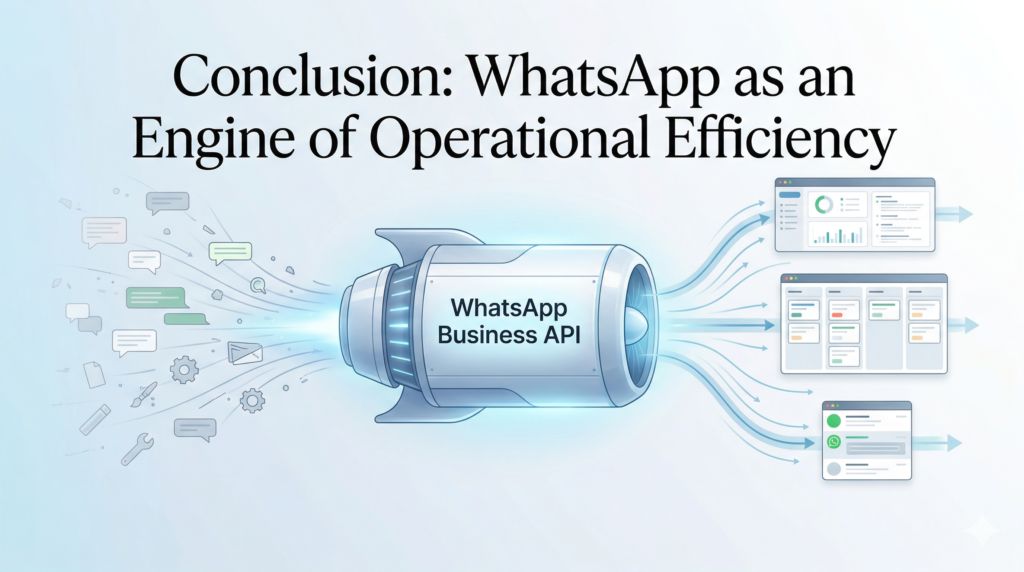
WhatsApp Business API offers more than a communication channel; it provides a framework for operational excellence. By turning real-time messages into structured workflows, businesses can reduce manual work, accelerate response times, and create a more predictable operation.
Integrations, automation, and shared systems bring teams together and ensure data consistency. Performance monitoring keeps operations aligned and continuously improving.
Businesses that adopt WhatsApp-driven workflows will be better equipped to scale efficiently, maintain service quality, and meet modern customer expectations.
FAQ
1. How does WhatsApp Business API improve response time?
WhatsApp Business API allows businesses to centralize incoming messages, automate triage, and route conversations to the right team instantly.
2. Can small businesses benefit from WhatsApp-based workflows?
Yes, even basic automation and shared access can significantly reduce manual work and improve efficiency.
3. How does WhatsApp integrate with CRM and helpdesk systems?
It connects through APIs or middleware, syncing conversations, tickets, and customer data across systems.
4. Will automation reduce personalization?
No, automation handles repetitive tasks while human agents manage complex interactions.
5. What processes can be automated?
Data collection, ticket creation, routing, follow-ups, notifications, and feedback requests.
6. How do teams collaborate in a shared inbox?
Through internal notes, tagging, and assignment features while maintaining a single conversation history.
7. How is performance measured?
Using metrics like response time, resolution time, workload distribution, and customer satisfaction.