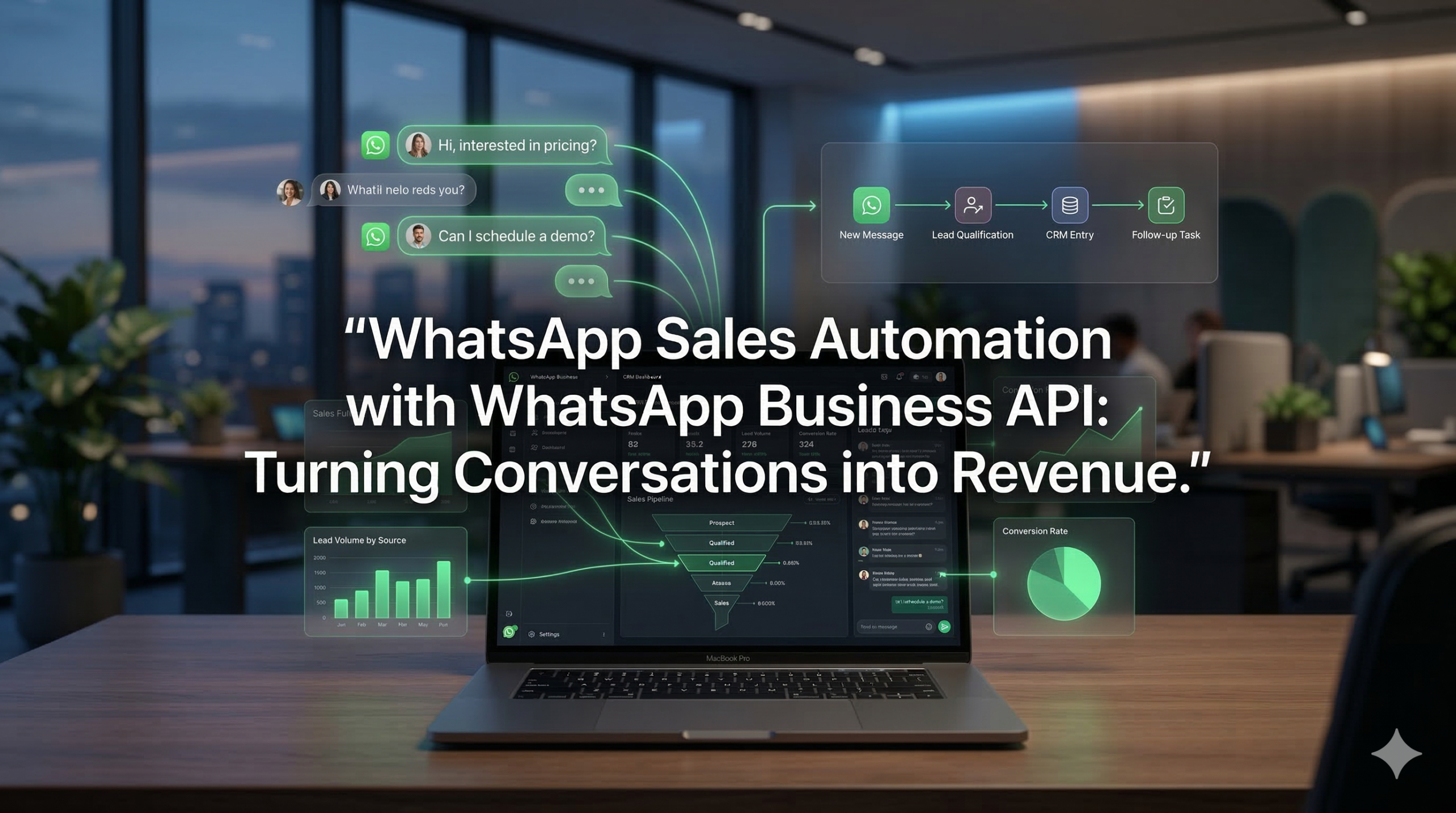
Sales teams today face a noisy, fragmented digital environment. Leads come from ads, landing pages, events, and referrals—but too many drop off after the first touch. Delayed follow-ups, scattered communication, and manual qualification kill otherwise good opportunities. WhatsApp sales automation changes this by turning WhatsApp into a structured sales channel, powered by the WhatsApp Business API and integrated with your CRM and workflows.
AIPowerSolutions.in helps businesses design these WhatsApp API–based sales systems, so every conversation has a defined place in the pipeline—not just in someone’s phone.
What Is WhatsApp Sales Automation?
WhatsApp sales automation is the practice of using the WhatsApp Business API to automate key parts of the sales process—lead capture, qualification, follow-up, and handoff—while keeping humans focused on actual closing.
Instead of relying on individual reps to answer messages manually from the WhatsApp Business App, the API connects WhatsApp to backend systems. Incoming messages trigger workflows, bots ask structured questions, and qualified leads move automatically into your CRM and sales pipeline.
You still keep the personal, conversational feel of WhatsApp. The difference is that each message now flows through an intentional system, not an improvised inbox.
Why WhatsApp Is Powerful for Sales
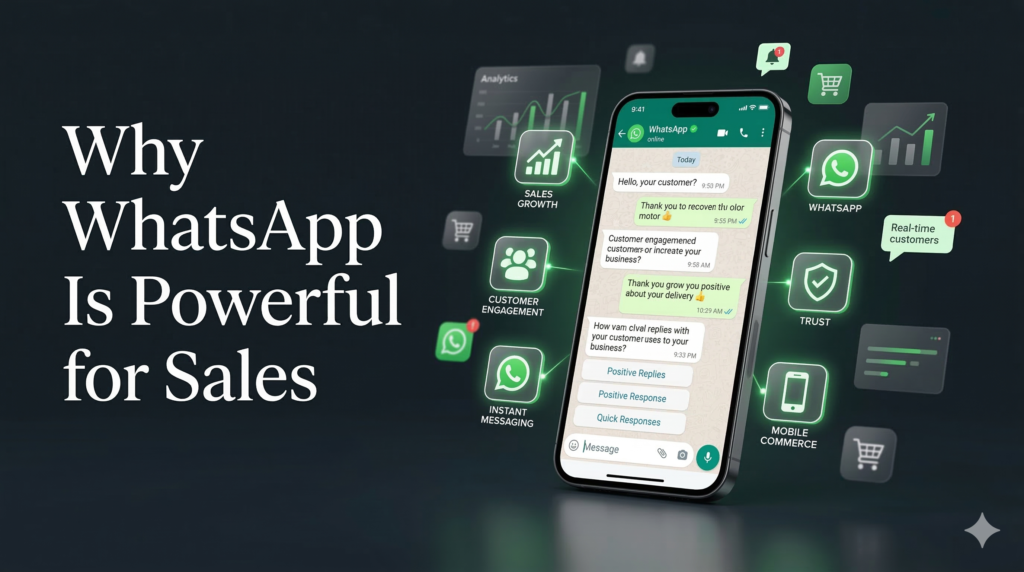
Several trends make WhatsApp a natural sales channel:
- Buyers prefer messaging over phone calls for initial contact.
- Response expectations are measured in minutes, not days.
- Mobile-first buyers want to discover, ask, and decide on the same device.
- Trust increases when communication happens in familiar channels.
Email sequences and web forms still matter, but WhatsApp adds a real-time, human-feeling layer. When automation and WhatsApp Business API are combined, you can respond immediately, guide conversations, and synchronize everything with your CRM—without burning out your sales team.
WhatsApp Business API vs WhatsApp Business App for Sales
The WhatsApp Business App is designed for small teams managing a limited number of customer chats. It offers labels, quick replies, and basic automation, but it has serious limitations for sales organizations:
- Tied to one device or a very small team.
- No robust CRM integration.
- No routing, reporting, or pipeline visibility.
The WhatsApp Business API, in contrast, is built for scalable operations:
- Multi-agent access through shared inboxes.
- Integration with CRMs like HubSpot, Salesforce, Zoho, and custom systems.
- Automation workflows for lead capture, qualification, and follow-ups.
- Analytics and reporting at channel and campaign level.
For any business serious about predictable revenue from WhatsApp, API-based infrastructure is essential.
Core Components of WhatsApp Sales Automation
1. Lead Capture Entry Points
Your WhatsApp sales automation system needs clear, intentional entry points:
- Click-to-WhatsApp ads from Meta.
- “Chat on WhatsApp” buttons on landing pages and product pages.
- QR codes on packaging, events, and offline materials.
- WhatsApp links in email signatures, social profiles, and webinars.
Each entry point can carry metadata (campaign, product, region) so your automation knows how to handle the incoming lead.
2. Automated Lead Qualification
Once a prospect enters WhatsApp, automation can quickly assess their fit:
- Ask 3–5 focused questions (use case, budget range, timeframe, role).
- Offer quick reply options to reduce friction.
- Store responses directly in your CRM.
The goal is not to replace your salesperson, but to ensure that when a human joins the chat, they already know who they’re talking to and what matters.
3. Routing and Assignment Logic
Based on qualification, messages can be:
- Routed to specific sales reps by territory, product, or segment.
- Sent to a team queue for inside sales.
- Kept in automated nurture sequences when the lead isn’t ready.
This routing is part of your WhatsApp Business API support system, not left to manual reassignment in a shared phone.
4. Template-Based Follow-Ups
With API access, you can use approved templates to:
- Follow up after a demo or discovery call.
- Send reminders about proposals or trials ending.
- Nurture leads who went cold after first contact.
Templates keep you compliant while preserving the human tone of your brand.
WhatsApp Automation Workflows Across the Sales Funnel
Top of Funnel: Instant Lead Response
When a new lead comes in from an ad or landing page:
- Automation sends an instant welcome message referencing the source.
- It asks one or two questions to confirm interest and context.
- It offers options like “See pricing range”, “Book a demo”, or “Talk to sales”.
This single workflow prevents the classic “we responded tomorrow, the lead already bought somewhere else” problem.
Middle of Funnel: Demo and Call Management
For leads that book calls:
- WhatsApp sends confirmations with meeting links or locations.
- Reminders go out 24 hours and 2 hours before the event.
- If the lead needs to reschedule, they can do it directly in chat.
Your calendar and CRM sync with these actions, so sales reps always have up-to-date information.
Bottom of Funnel: Proposal and Closing Support
Once you send a proposal:
- Share a summary via WhatsApp with clear next steps.
- Use automation to check in after a defined interval: “Any questions on the proposal?”
- Route complex objections automatically to the account executive.
WhatsApp becomes the “decision room” where final clarifications happen quickly instead of getting stuck in email threads.
Post-Sale: Upsell and Expansion
After a customer closes:
- Trigger onboarding sequences with key setup steps.
- Offer relevant add-ons when usage crosses certain thresholds.
- Route account management questions to the right CSM or sales rep.
This keeps revenue expansion aligned with real customer behavior, not generic drip campaigns.
CRM Integration: Keeping Sales and Conversations Aligned
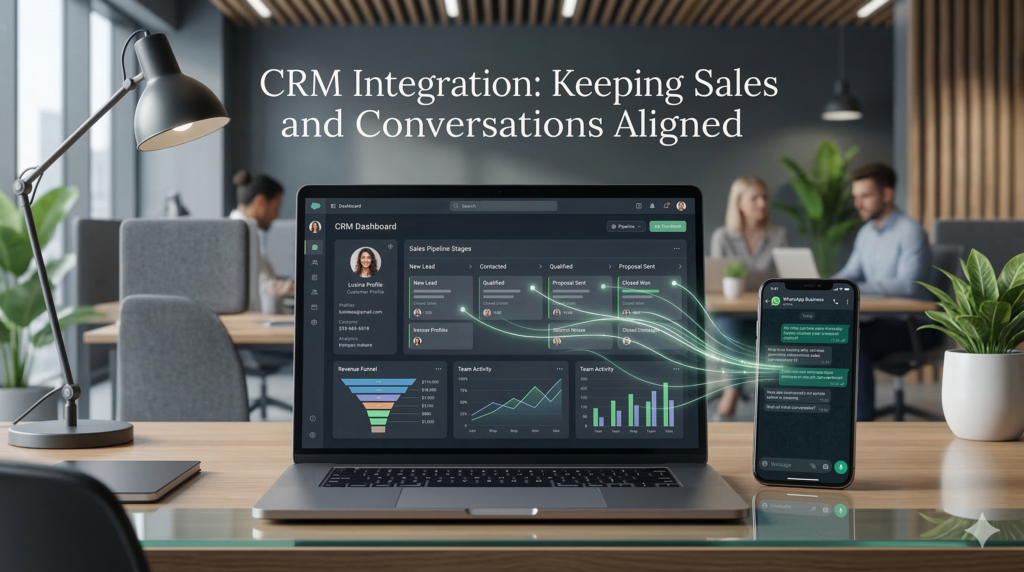
For WhatsApp sales automation to work long-term, it must be deeply integrated with your CRM.
What Gets Synced
Typically, you want to sync:
- Contact details and phone numbers.
- Conversation histories or summaries.
- Lead source, campaign, and entry point.
- Qualification answers (budget, timeline, use case, etc.).
- Key events like “Booked demo”, “Proposal sent”, “Closed won/lost”.
With that in place, sales and marketing teams can both see what actually happened in WhatsApp, not just email.
Why Integration Matters
- Sales reps don’t ask repeated basic questions.
- Marketing can build audiences and segments based on real interactions.
- Leadership can track pipeline stages and revenue influenced by WhatsApp.
AIPowerSolutions.in designs this integration layer so WhatsApp is a first-class citizen in your sales stack, not an isolated side channel.
Compliance, Templates, and the 24-Hour Rule for Sales
WhatsApp has strict rules that impact sales automation:
- When a user messages you, you have a 24-hour “customer service window” to reply freely.
- After 24 hours, you can only message using approved templates.
- Templates must fit defined categories (utility, authentication, marketing).
- Users must opt in to receive promotional or marketing-focused content.
For sales workflows, this means:
- Most back-and-forth negotiation happens within the 24-hour windows.
- Nurture, reminder, and reactivation sequences need template design and approval.
- You should build flows that naturally invite the user to reply and “reopen” the window.
Good sales automation respects these rules while still keeping momentum.
Scalability: From 100 Conversations to 100,000
WhatsApp messaging infrastructure scales through messaging tiers that control how many unique users you can message per day from a given number.
At low volumes, a single number with Tier 1 may be enough. As you grow:
- You may need multiple numbers, per region or segment.
- You must monitor sending quality (block rates, engagement).
- You must ensure routing and CRM mapping still work correctly even as traffic increases.
Proper WhatsApp API implementation considers future scale from day one. This avoids painful migrations when your campaigns finally start working.
Example: How a DTC Brand Increased Sales with WhatsApp Automation
Consider a direct-to-consumer skincare brand receiving thousands of visitors daily but converting only a small percentage.
Before
- Lead capture was limited to email pop-ups.
- Follow-ups went to email, with low open rates.
- No direct messaging with visitors during evaluation.
After implementing WhatsApp sales automation
- Product pages included “Ask on WhatsApp” for instant product questions.
- A simple chatbot qualified visitors and suggested relevant bundles.
- Cart abandoners received a helpful reminder with skincare tips, not just a discount.
- WhatsApp conversations synced into the CRM with source and product interest.
Within three months
- Conversion rate on WhatsApp-assisted sessions was 2.5–3x higher than non-assisted.
- Average order value increased because recommendations were tailored.
- Sales team had a clear picture of which campaigns drove the best WhatsApp leads.
The core change was not a “hack”—it was structured, automated conversations replacing random, manual replies.
Common Mistakes in WhatsApp Sales Automation
Even strong teams run into issues when they treat WhatsApp as “just another channel.”
Over-Automation Without Human Escape
If you force prospects through long, rigid decision trees without letting them talk to a human, you lose trust. Automation should qualify and prepare; humans should close.
No Clear Entry-Point Mapping
If every lead from every source goes into the same generic flow, you lose context. A user who clicked a “Book enterprise demo” ad should not get the same questions as a user who asked about basic pricing.
Poor Template Strategy
Using templates that sound robotic or spammy will kill engagement and hurt your quality rating. Each template should deliver clear value and be tied to a real step in the buyer journey.
No CRM or Analytics Integration
If WhatsApp performance is not visible in your pipeline reports, it will be under-valued internally. You need clear metrics: response times, conversion by source, revenue influenced by WhatsApp.
Why Businesses Choose AIPowerSolutions.in for WhatsApp Sales Automation
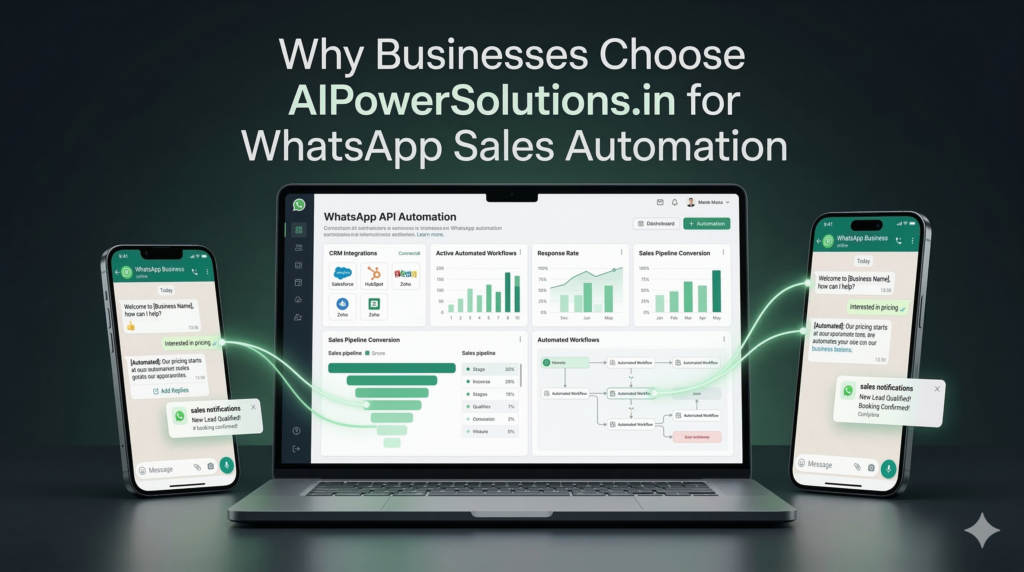
AIPowerSolutions.in specializes in building WhatsApp Business API–based automation systems that are tightly integrated with CRM, analytics, and existing sales operations.
Instead of delivering just a bot or a number, they design:
- Entry-point strategy (ads, links, QR, website widgets).
- Qualification workflows for different segments and products.
- Routing logic that matches your sales structure.
- CRM sync for HubSpot, Salesforce, Zoho, or custom stacks.
- Template libraries aligned with your brand voice and compliance needs.
- Monitoring and improvement loops based on real usage data.
This systems-first approach ensures that WhatsApp becomes an extension of your sales pipeline, not a disconnected experiment.
The Future of WhatsApp Sales Automation
Several trends are shaping the next stage of WhatsApp-based selling:
- AI-assisted reps: AI will suggest responses, summarize threads, and highlight buying signals in real time.
- Predictive engagement: Systems will identify which leads are likely to convert if contacted now, based on behavior and past patterns.
- Deeper conversational commerce: Payments, subscriptions, and renewals will happen inside WhatsApp, not just on web checkouts.
- Unified inboxes: Sales, marketing, and support will all work from a single view of the customer, regardless of channel.
Businesses that build robust WhatsApp messaging infrastructure today will be ready to plug into these capabilities without starting from zero.
Conclusion
WhatsApp sales automation, built on top of the WhatsApp Business API, gives businesses a way to turn real-time conversations into structured, trackable revenue workflows. It combines instant response, conversational qualification, CRM integration, and scalable infrastructure into one coherent system.
For modern businesses that rely on digital acquisition and remote selling, it is no longer enough to “just have a WhatsApp number.” You need structured, compliant, and CRM-integrated messaging systems that can scale from your first hundred leads to your first hundred thousand. That is what true WhatsApp sales automation delivers.Sales teams today face a noisy, fragmented digital environment. Leads come from ads, landing pages, events, and referrals—but too many drop off after the first touch. Delayed follow-ups, scattered communication, and manual qualification kill otherwise good opportunities. WhatsApp sales automation changes this by turning WhatsApp into a structured sales channel, powered by the WhatsApp Business API and integrated with your CRM and workflows.
AIPowerSolutions.in helps businesses design these WhatsApp API–based sales systems, so every conversation has a defined place in the pipeline—not just in someone’s phone.
FAQ
What is WhatsApp sales automation?
WhatsApp sales automation uses WhatsApp Business API to structure lead qualification, follow-ups, and pipeline integration. Conversations become trackable sales activities rather than manual chats.
How does WhatsApp automation improve sales conversion?
Instant responses (under 5 seconds) prevent lead drop-off. Structured qualification captures budget, timeline, and decision authority. CRM sync ensures sales reps receive complete context.
Which CRM platforms work with WhatsApp sales automation?
HubSpot, Salesforce, Zoho CRM, and Pipedrive integrate natively. Custom APIs connect enterprise systems. Conversation data syncs as activities with qualification details and source attribution.
What are WhatsApp messaging tiers for sales?
Tier 1 supports 1,000 unique customers daily. Tier 2 scales to 10,000 conversations and Tier 3 handles 100,000 daily interactions. Quality ratings determine progression eligibility.
Do I need a dedicated phone number for WhatsApp sales?
Yes. Consumer WhatsApp numbers require 60-day cooldown. Business App numbers migrate immediately. Dedicated numbers achieve fastest activation and maintain clean quality ratings.
How long does WhatsApp sales automation setup take?
Standard implementations complete in 2-4 weeks. Template approval cycles average 24-72 hours. CRM integration and workflow testing determine exact timelines.
Can small sales teams use WhatsApp automation?
Tier 1 messaging supports small volumes perfectly. Most teams start with 1 number and 1 workflow. Scalability enables growth without infrastructure changes.
What compliance rules apply to WhatsApp sales?
24-hour messaging window permits free-form conversations. Templates require Meta approval for proactive follow-ups. Opt-in consent mandates explicit permission for marketing content.
How does WhatsApp automation handle lead routing?
Intent classification routes conversations by product, territory, or deal size. High-value leads reach closers immediately. Medium leads enter nurture sequences automatically.
Does WhatsApp sales automation work for global teams?
Region-specific numbers maintain local deliverability. Multi-language chatbots serve diverse markets. Time zone routing ensures appropriate agent assignment.